 Instrument
 Music Production
 CD Player
 DAC
DAC
 Portable DAC
 Headphones
 Electrostatic
 In-Ear-Monitor
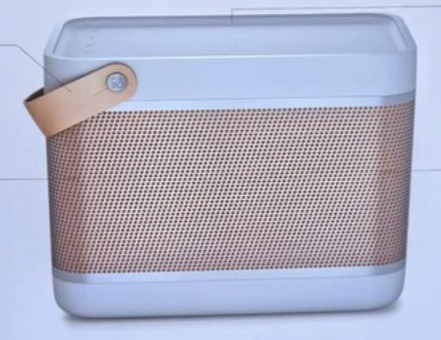 Bluetooth Speaker
 Speaker
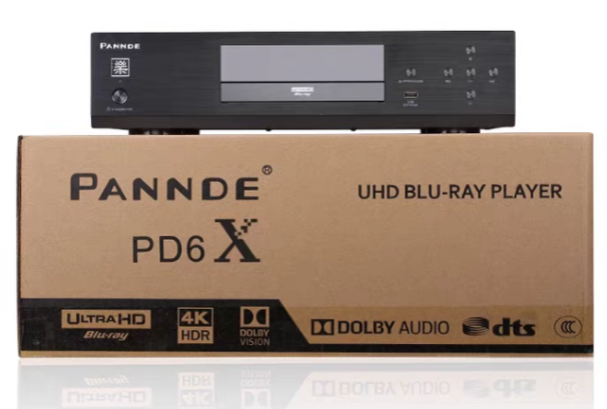 Blue-Ray Player
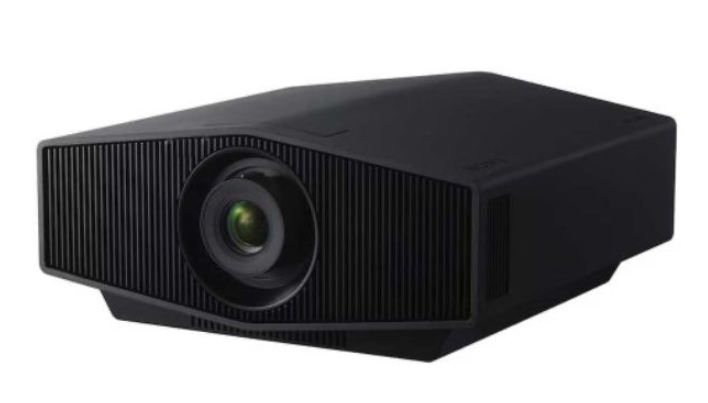 Projector
 TV
TV
 Amplifier
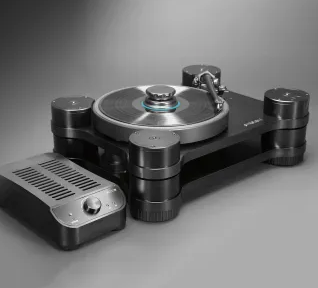 Turntable
 Audio PSU
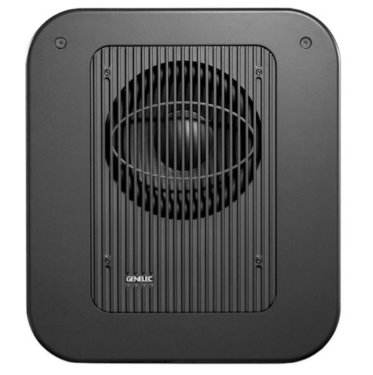 SubWoofer
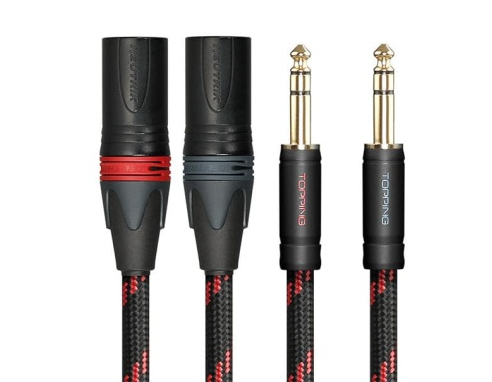 Audio Accessories
 Vehicle
 Robot
Robot
 Swiss Watch
 LifeStyle
 Mobile Phone
 Foldable Device
 Wearable Device
 Film Protectors
 Replacement Parts
 Macbook and Tablet
 PC and Laptop
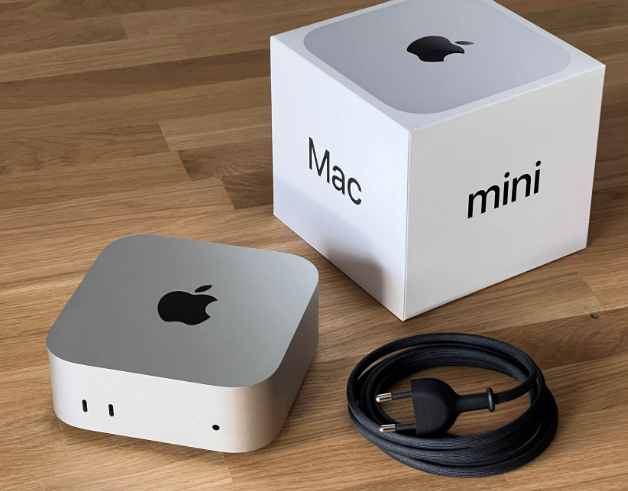 MiniPC
 Peripheral
 NAS HDD
 Computer Component
 AI
AI
 3D Printer / SMT
 Software
 Drawing Pad
 Monitor / E-ink
 Router
 Joystick
 Charger
 UPS
UPS
 Otterbox
 Bags
Bags
 Accessories and Parts
 Cases for Phone & Audio
 Agricultural
 Medical Device
 USD
USD



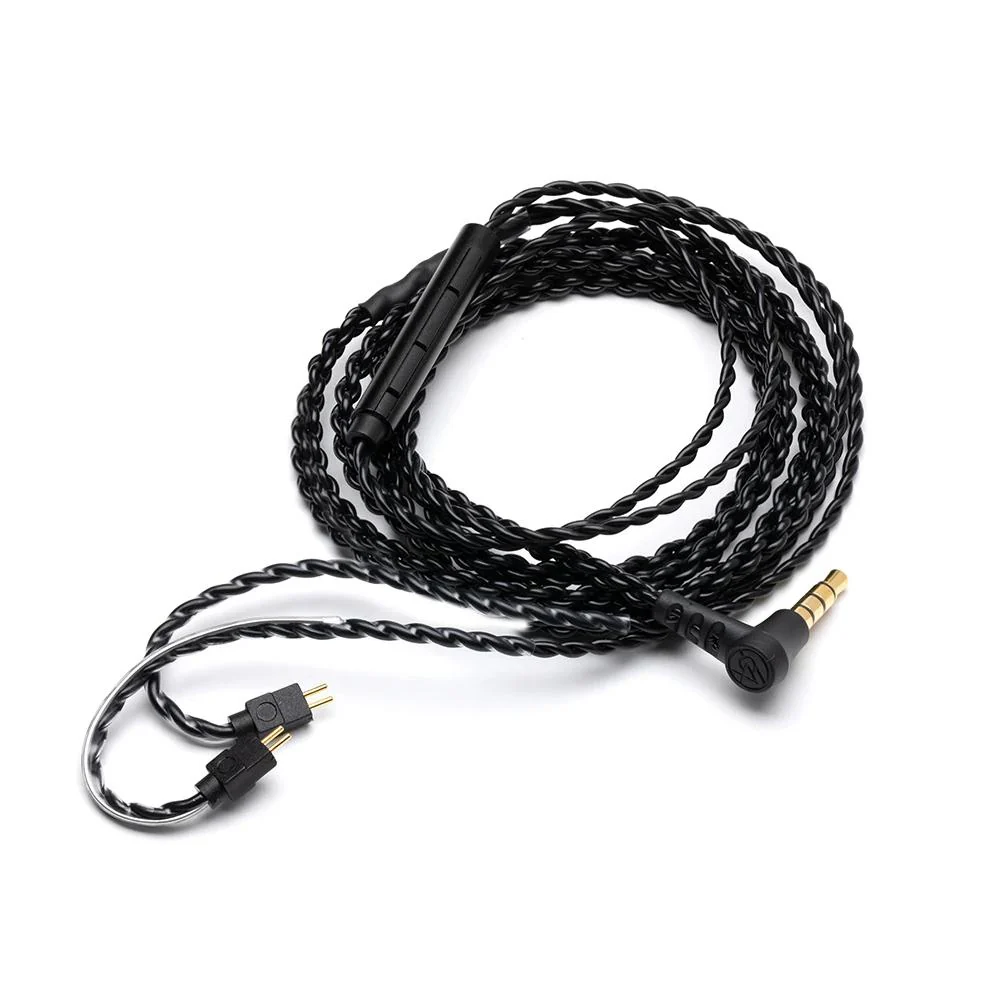
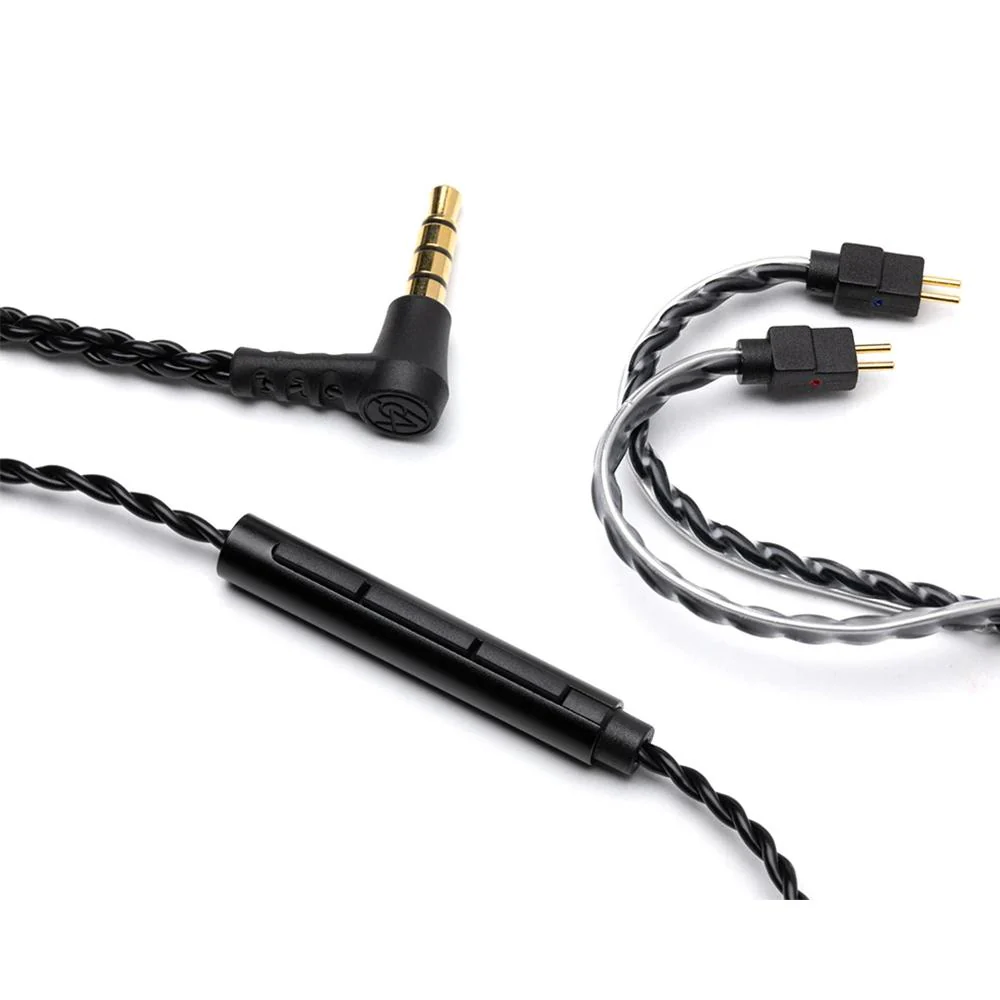
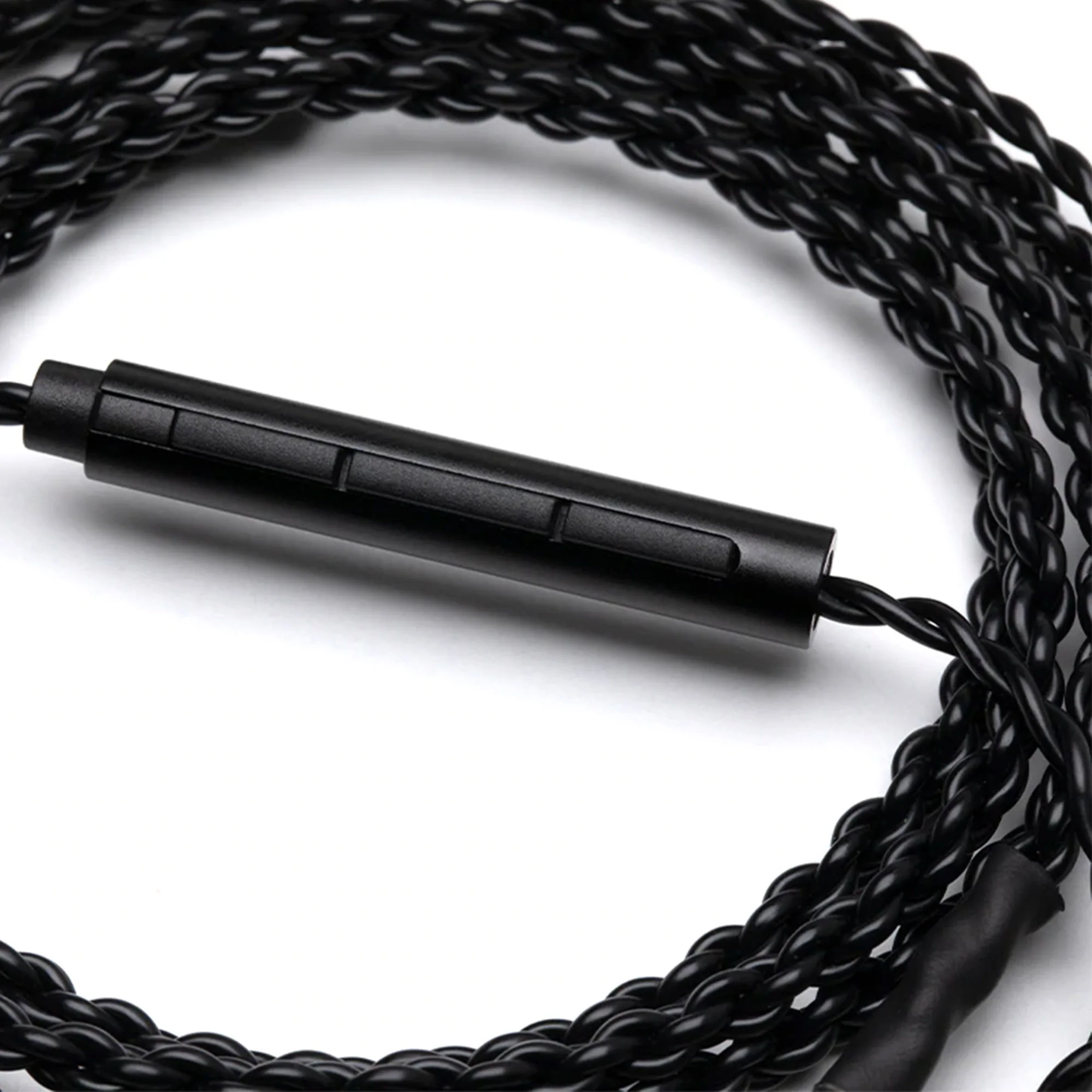
64 Audio Earphones Cable With Microphone
-
Detail
Our Cable with Mic makes it easy to control your music and take phone calls on the go.
This 48' cable comes in a beautiful soft touch black finish. It features our 2-pin 0.78mm connector with a four-conductor TRRS 3.5mm audio jack. This jack may not work with audio equipment that doesn’t support the TRRS connector. Because of this, all Cable with Mic accessories come with the Mic Cable Adapter.
When replacing the cable, notice that each connector is marked with a red or blue dot. Attach each side with the colored dot facing up. Red indicates right side and blue indicates left side.
This cable is compatible with all of our in-ear monitors, including our A-Series, U-Series, and legacy V-Series IEMs.
How To Use The Controls On The Cable With Mic
Volume Control: Press the two buttons on either side of the center button to bring the volume up and down while listening to music or on a call.Music Controls: A short press of the button will pause your music or resume music playback. Two short presses will skip to the next music track.Call Controls: A short press of the button will accept the incoming call and another press will end the call.
Voice Controls: Press and hold the button until your phone’s voice assistant turns on. Android devices may require you to press and hold the button an additional time once the voice assistant is on before commands can be spoken.
-
Customer ReviewsNo comments